
4-48 Dogoyunomachi, Matsuyama, Ehime 790-0842, Japan
TEL:06-7713-1349

Guest Information
Flow from reservation to the day of use
-
Check Availability / Select a Plan
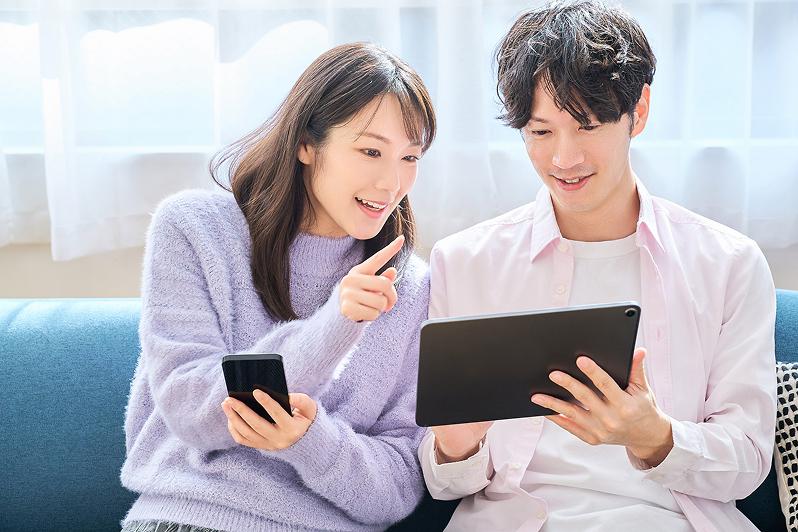
Please check room availability by entering your desired dates and the number of guests on the "Room Reservation" button on the official website or on each reservation site. You can choose your favorite room plan from "Room1-SUKUSUKU-" and "Room2-NOBINOBI-", which are equipped with facilities for children.
-
reservation request
After selecting a plan, please enter your information (name, contact information, e-mail address, etc.) and submit your reservation request.
-
Reservation Confirmation and Payment
After confirming your application, you will receive a reservation completion e-mail. We only accept payment in advance (credit card, etc.) via the reservation site.
Please note that we do not accept cash payment on site. -
Receive advance notice
When the date of your stay approaches, you will receive an "Information Notice" to your registered e-mail address. Please be sure to keep it in a safe place as it contains important information such as how to access the facility and check-in.
-
Day of use (unlocking and entering the room)
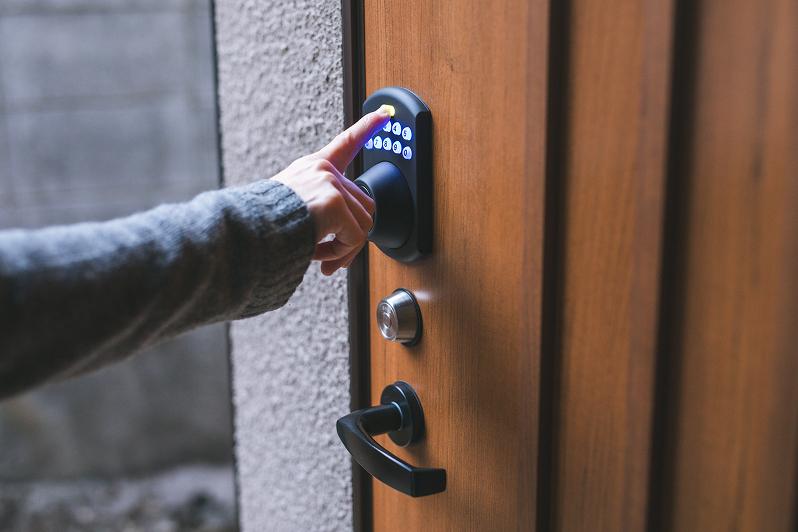
There are two rooms in our facility. Please confirm the room number you have reserved (Room1 or Room2) and enter the PIN number provided in your reservation confirmation e-mail using the button on the front door. After unlocking the door, you may enter the room.
-
Check-in procedures (identification)
Please confirm your identity through a video call with the operator at the terminal located at the entrance. The procedure must be completed by all guests.
-
Start your stay
Please take off your shoes at the entrance. The room is covered with tatami mats. Please feel free to spend time comfortably with bare feet. If you have any questions or problems, please feel free to call the guest number.
How to use the facilities
- Check-in.
- 15:00 -
We have two rooms at our facility. Please confirm the room number you have reserved (Room1 or Room2) and enter the PIN number provided in your reservation confirmation e-mail using the button on the front door. After unlocking the door, you may enter the room.
For check-in procedures, please use the terminal at the entrance to confirm your identity via video call with the operator. All guests must complete the procedure. - Check-out time
- 〜10:00~10:00
- About locking
- The front door is not auto-locked. When leaving the building, please be sure to press the lock button on the outside of the door before leaving. Please note that if you do not press the button, the door will not be locked.
- Wi-Fi
- Free Wi-Fi is available. The network name (SSID) and password are provided in the room guide.
- Other facilities
-
Please see below for information on room facilities.
- In case of emergency
- In case of illness or emergency, please press the "Emergency Call Button" on the wall of the entrance.
- Contact Us
-
Please feel free to call us if you have any questions or problems while using our facilities.
Dedicated number for guests 06-7713-1349
Reserve
To check room availability and accommodation plans, please contact
Please click here to check
